

Clinical skin imaging systems
Professional skin analyzers for clearer treatment conversations.
Turn visual skin observations into structured imaging references. Configure the capture method, image modes and report workflow around the way your clinic consults.
Request imaging specs & sample reportStructured consultation
Ask which RGB, UV and Polarized Light modes, report options and branding controls apply to the selected model.
Controlled multi-spectral optics
Controlled imaging for repeatable visual baselines.
For a useful follow-up comparison, review the selected system’s lighting, focal distance, positioning and capture routine. These details matter more than an uncontextualised score.
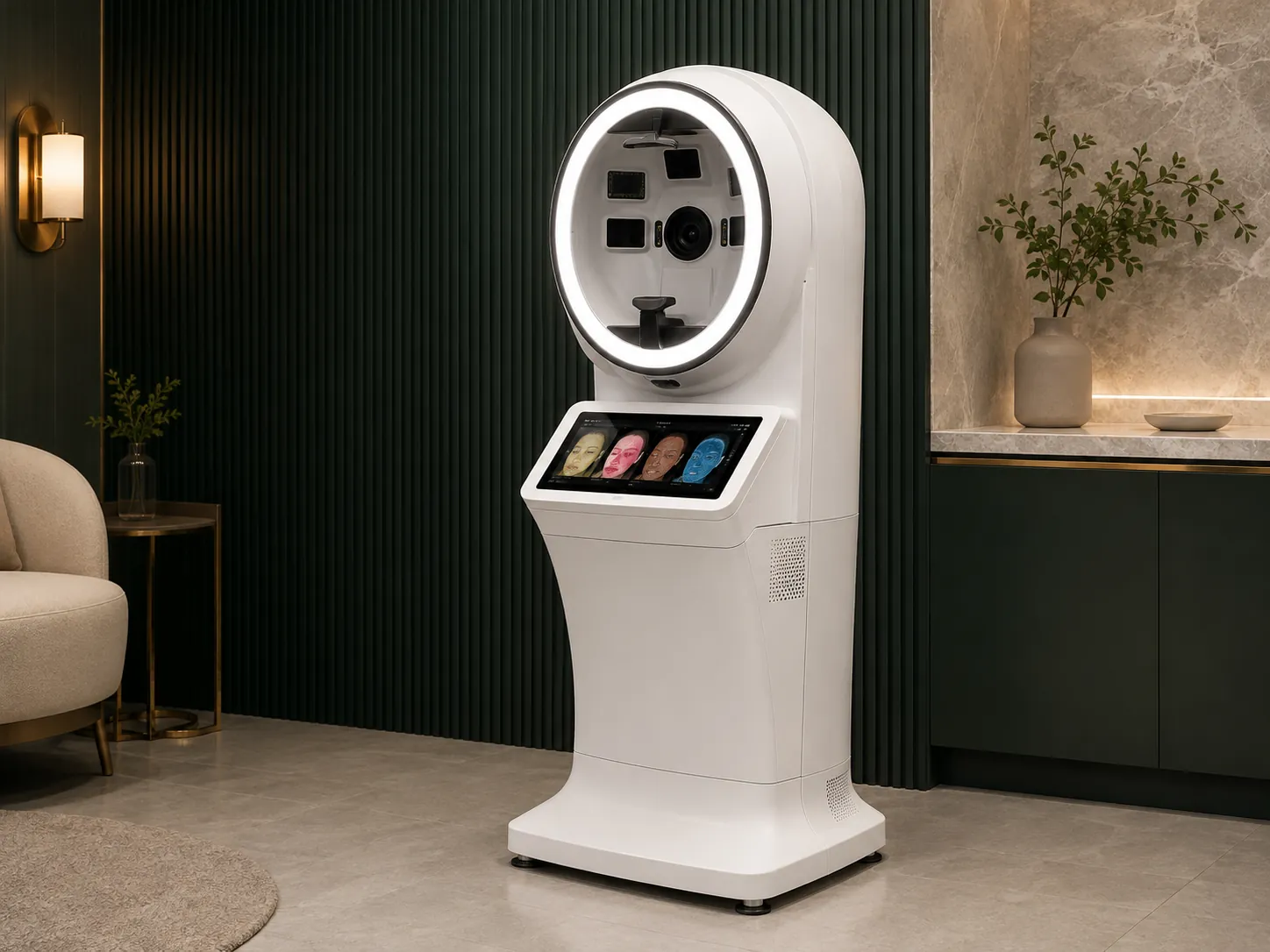
Optical consistency
Reduce avoidable variation between operators.
Review the imaging enclosure, positioning guidance, illumination sequence and display workflow together. The relevant features depend on the selected analyzer and its software configuration.
RGB, UV & Polarized Light: confirm which image modes are available and how the team will use them in consultation.
Positioning & lighting: review the hood, focal distance and any face-position guidance for comparable capture.
Software & reports: confirm UI language, PDF or other output options and any treatment-menu mapping before order.
Standardised consultation workflow
A three-step protocol for better documented follow-up.
Keep the operating sequence simple. A structured report can make it easier to discuss the treatment route and revisit the same conversation at a later appointment.
01 / CAPTURE
Guided scan.
Use the selected device’s positioning and lighting procedure to create a comparable visual reference across initial and follow-up visits.
02 / REVIEW
Review image layers.
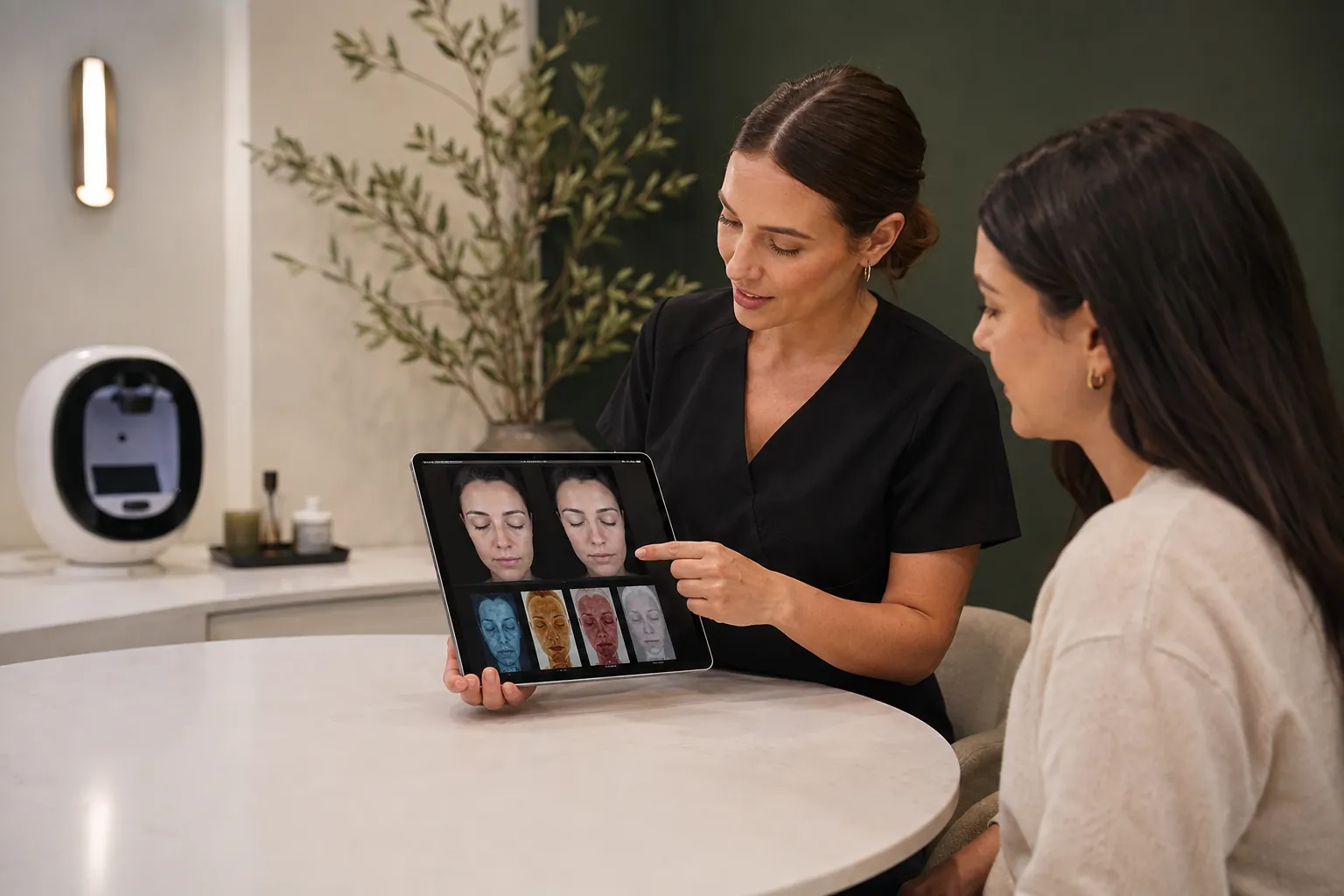
Discuss the selected image views, such as surface texture or pigmentation appearance, with the client in context of the practitioner’s assessment.
03 / PLAN
Plan the next conversation.
Use the report to support an agreed care, treatment or follow-up discussion. Recommendations remain the responsibility of the practitioner.
Quantifiable outcomes
Use visual documentation to make progress easier to discuss.
When the capture process is consistent, image comparison and report records can give the practitioner a more concrete basis for discussing expectations, recommendations and follow-up.
Before-and-after review: confirm any side-by-side or Ghost-Overlay comparison tools available with the selected software.
Analysis indicators: ask which visible-skin indicators and any 10-Parameter Index are included for the selected model.
Report access: review local storage, cloud options, export format and client-data handling before configuration.
Configuration intake
Tailor the hardware and software around your consultation room.
Share your space, expected use, software branding needs and destination requirements. We can then discuss suitable form factors and the configuration details worth verifying.
Fast-track intake review
Request a customised skin analyzer proposal & software review.
Hardware form factor
Discuss desktop, floor-standing or combined configurations suitable for your space.
Branding & customisation
Review logo, report-header, casing-colour and UI-language options for suitable projects.
Destination standard
Confirm 110V/220V, plug type, UI needs, CE and EMC/LVD documentation applicable to the ordered model.
Technical & order FAQ
Questions buyers evaluate before finalising analyzer specifications.
Practical guidance on optical spectra, branded reports, image records and export requirements. Final capabilities depend on the selected model and destination market.
Ready to improve the structure of your skin consultations?
Tell us what you need from the imaging workflow, report format, destination configuration and project scope. We will help you review the right technical details.
Request technical specs & proposal